Write it or ask it.
One hotkey, from any app. Jot a thought or ask AI, then get back to work.
Free to use. No account needed.
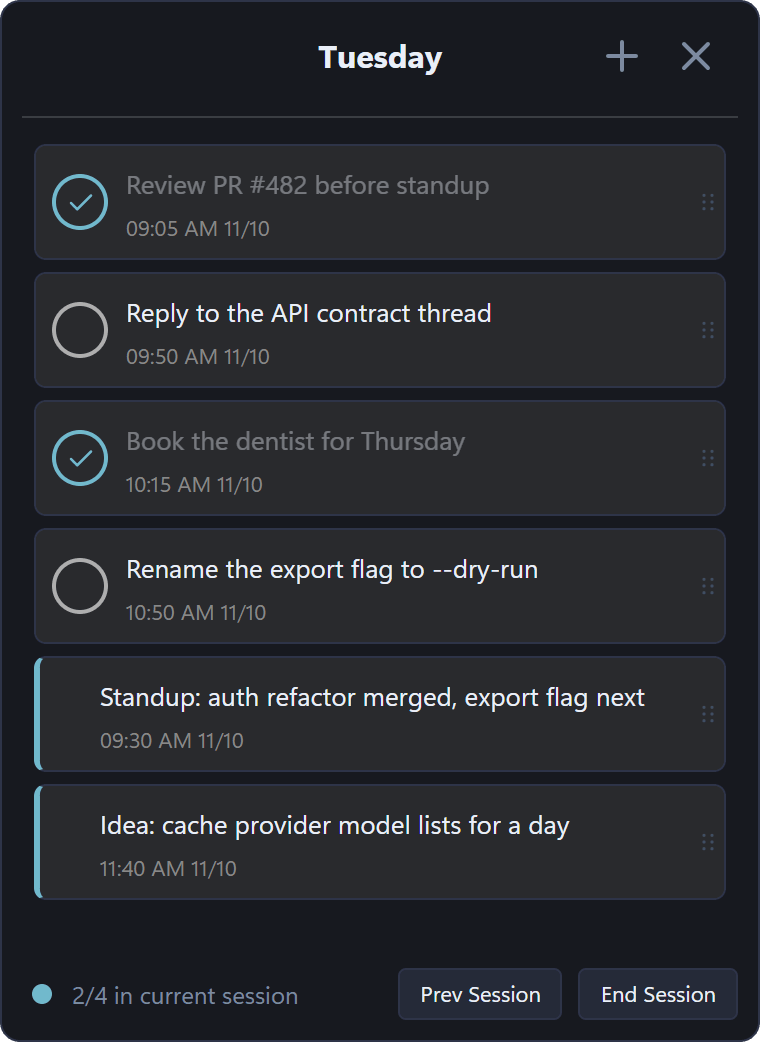
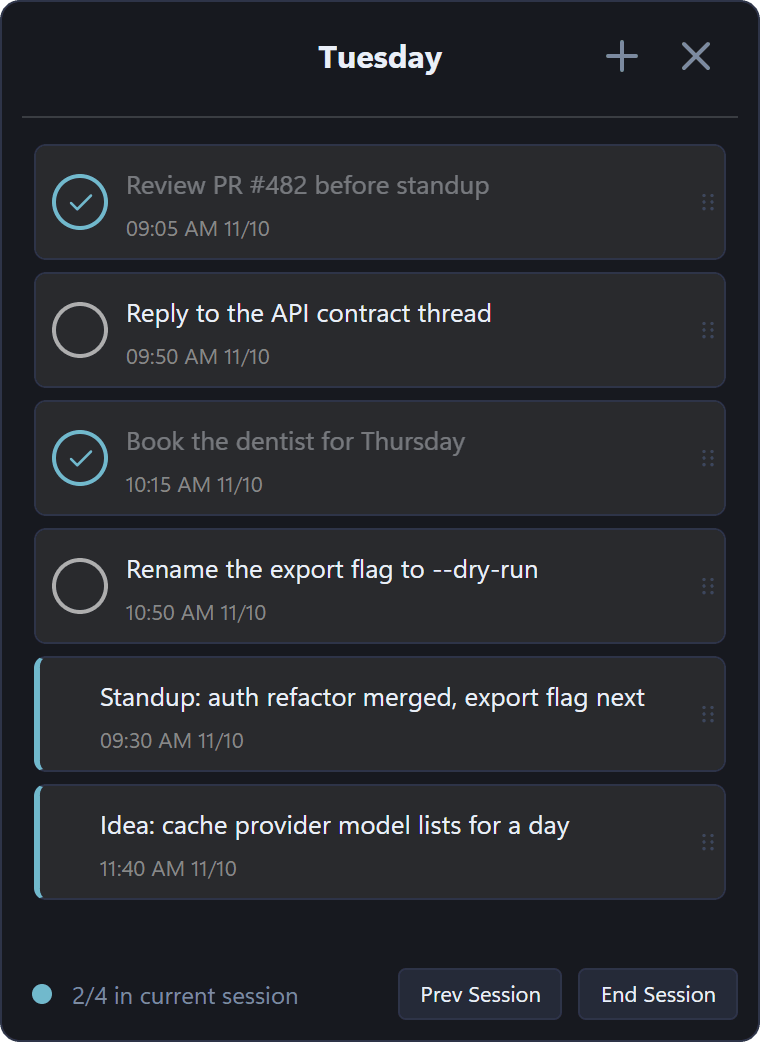
- Review PR #482 before standup09:05 AM 11/10
- Reply to the API contract thread09:50 AM 11/10
- Book the dentist for Thursday10:15 AM 11/10
- Rename the export flag to --dry-run10:50 AM 11/10
- Standup: auth refactor merged, export flag next09:30 AM 11/10
Type in the box and press Enter. Ctrl+, opens it from any app. Start with _ for a note, ? to ask AI, ?! to ask about your screen.
Your day, from one input.
Every feature is designed to keep your thinking in flow.
Capture notes at the speed of thought.
Global hotkeys let you jot down notes from any app in under a second. The input appears, you type, press Enter, done. Your focus never leaves your current work.
Ctrl+. shows the session: tasks first, notes under them. Change any shortcut in Settings.
Ask AI without leaving your flow.
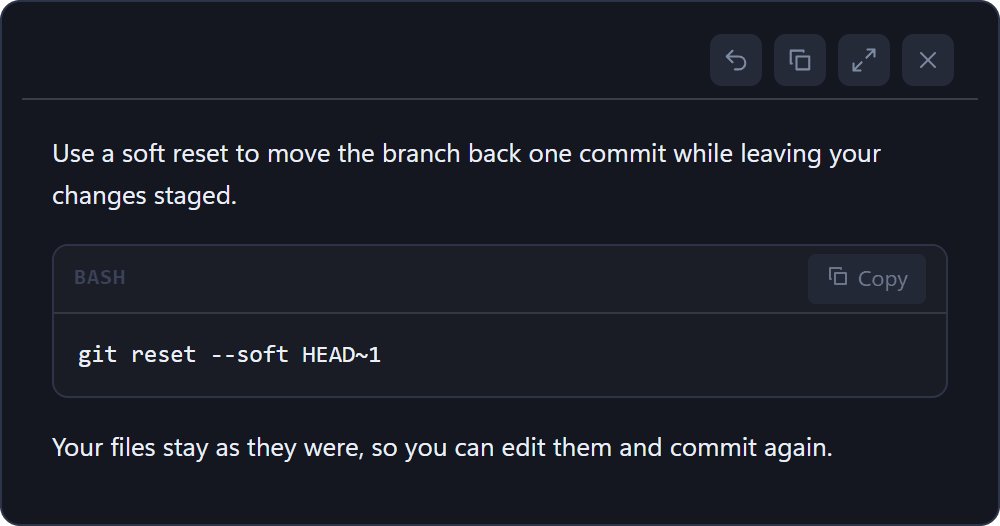
Need a quick answer? Type ? followed by your question and get instant AI-powered responses. Choose your preferred provider and model in settings.
Prefix with ? to ask anything.
Debug visually with one keystroke.
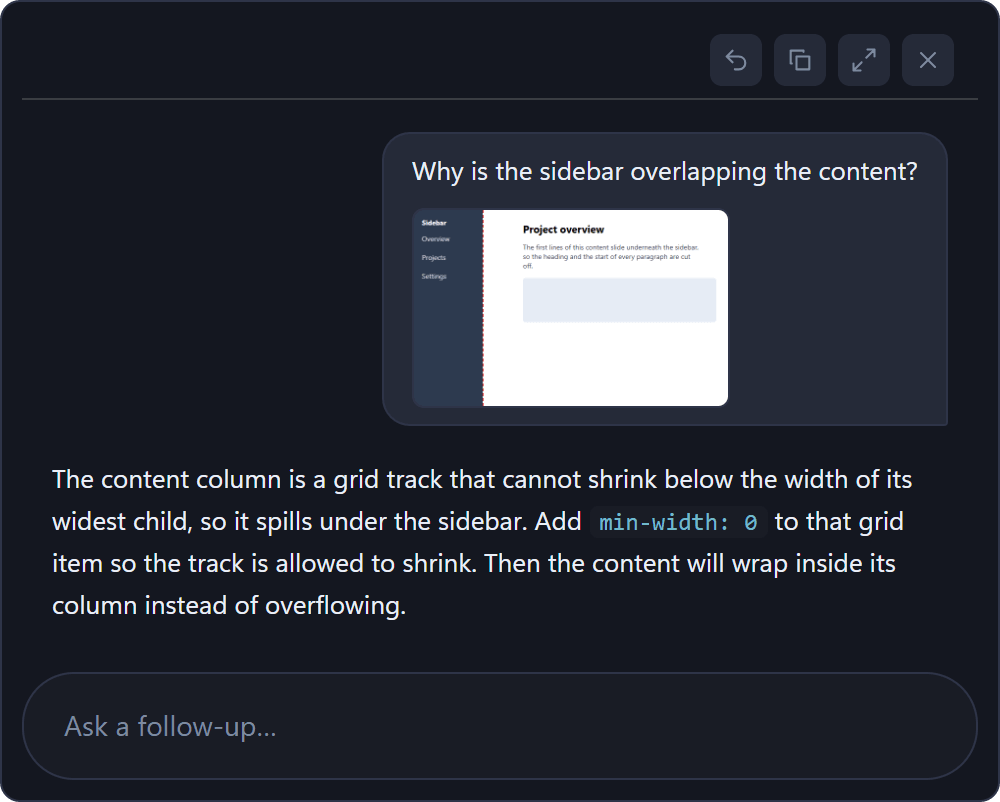
Type ?! to automatically capture a screenshot of your active window and send it to AI. Get explanations of errors, UI feedback, or implementation ideas, all from the input bar.
Prefix with ?! to capture and ask. Reply to keep the conversation going.
Write in Markdown. Copy in one click.
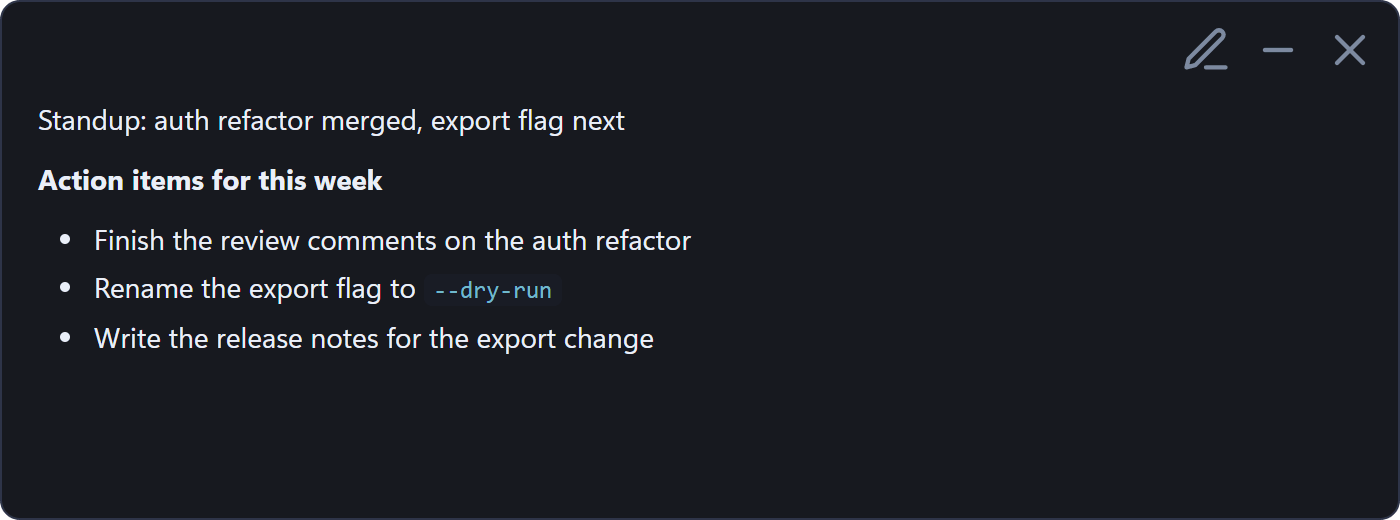
Full Markdown support means bold text and inline code render beautifully. One-click copy lets you paste notes into commit messages, PRs, or standup reports instantly.
Click a card and its Markdown goes to the clipboard.
Skills, one /name away.
Save instructions once and run them with /name. Type /newskill and the AI writes one with you.
/
- /newskillWrites a new Skill from a description of what it should do, asking questions until the request is clear.
- /replyDrafts a short, friendly reply in my tone to the message on screen.
- /standupWrites a short standup from your Tendor Sessions: what you finished yesterday, what's next today, and what's blocking you.
- /summarizeSummarizes what's on screen in five bullets or fewer.
- /translate-arTranslates the text into natural Modern Standard Arabic.
Each Skill is a plain SKILL.md file in the Agent Skills format. Free keeps 5 Skills; upgrading keeps as many as you like.
standupinvoked skill
Thu, Nov 19read Session
Wed, Nov 18read Session
Yesterday
- Fixed the login redirect bug
- Read the Tauri 2 migration guide
- Replied to the design feedback thread
Today
- Renew the domain before it expires
- Write the release notes for Friday
- Ship the onboarding emails
- Send the invoice for October
Blockers
- Production API keys haven't arrived from the client's IT team, so the launch deploy is blocked.
Keep work and personal apart.
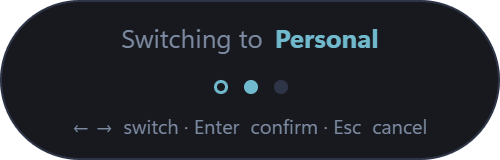
Vaults let you keep work, personal, and side-project notes in completely isolated spaces. Each vault has its own notes, sessions, and settings.
Ctrl+Alt+V opens the vault switcher: arrows to pick, Enter to switch.
- WorkD:\Notes\Work
- PersonalD:\Notes\Personal
- Side projectD:\Notes\Side project
Tailored to your aesthetic.
Switch between Dark, Light, Dracula, Nord, and 9 more. Every component adapts with pixel-perfect contrast.
Dark 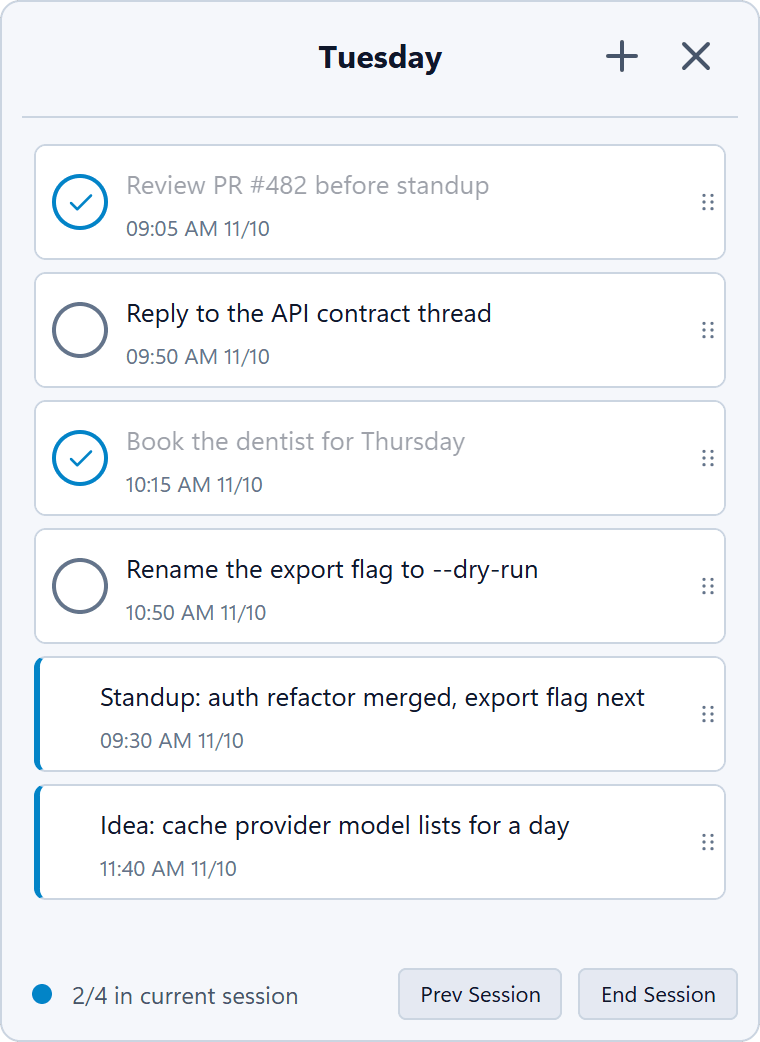
Light 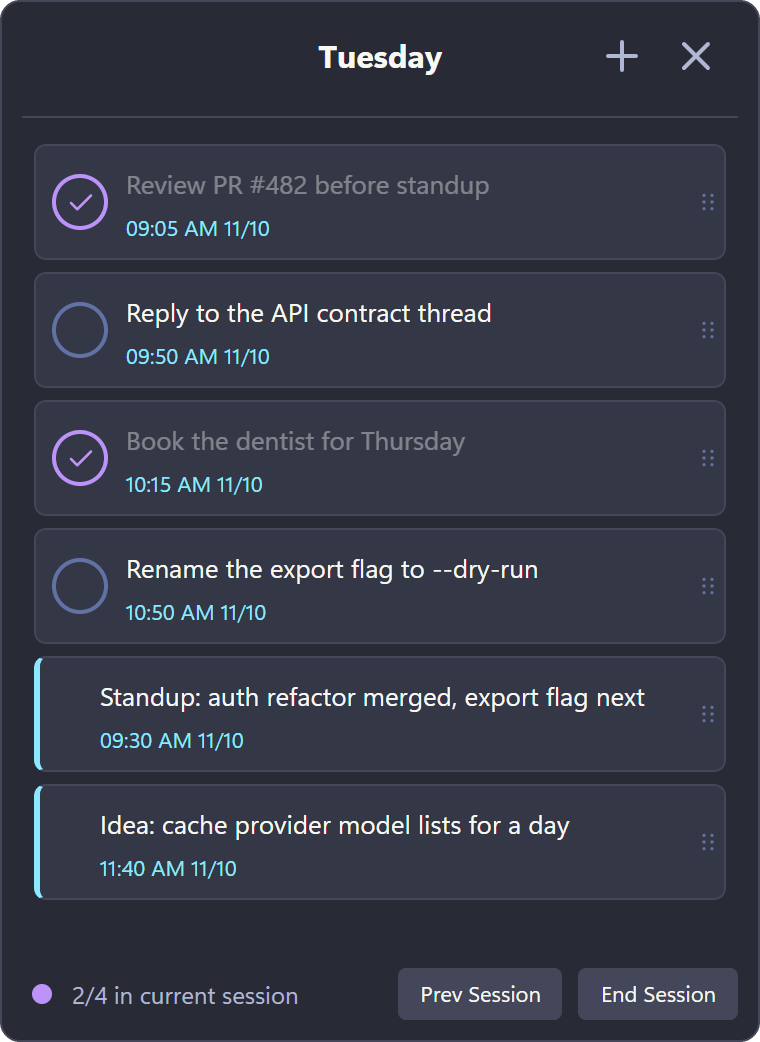
Dracula 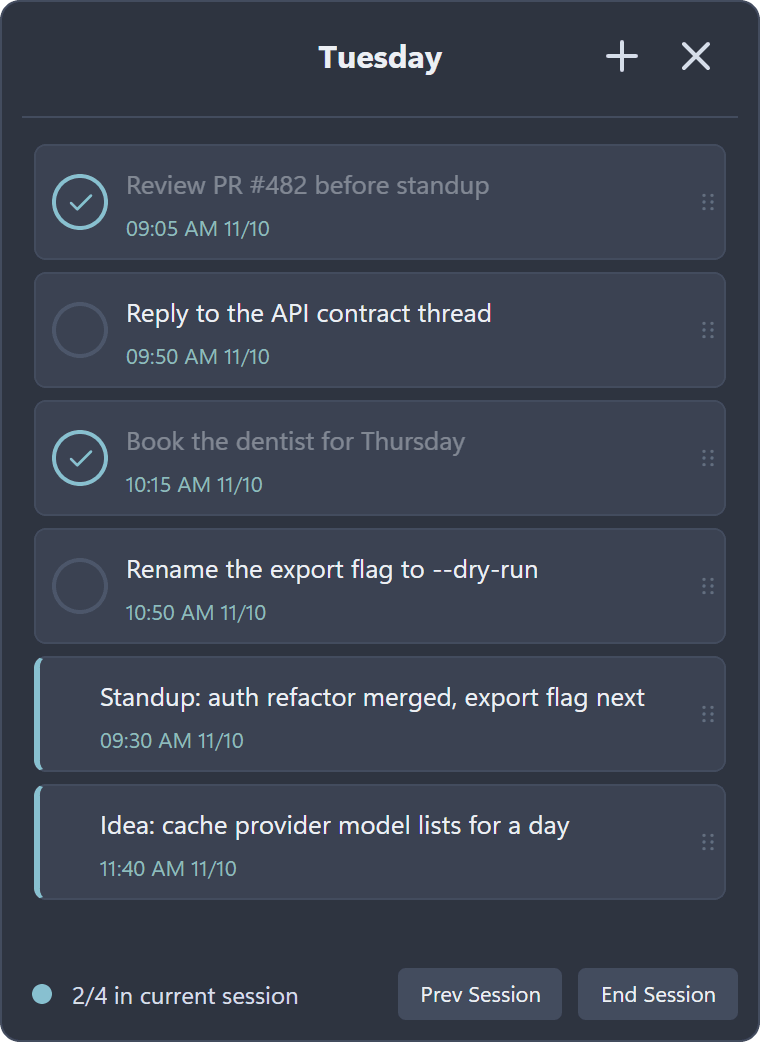
Nord 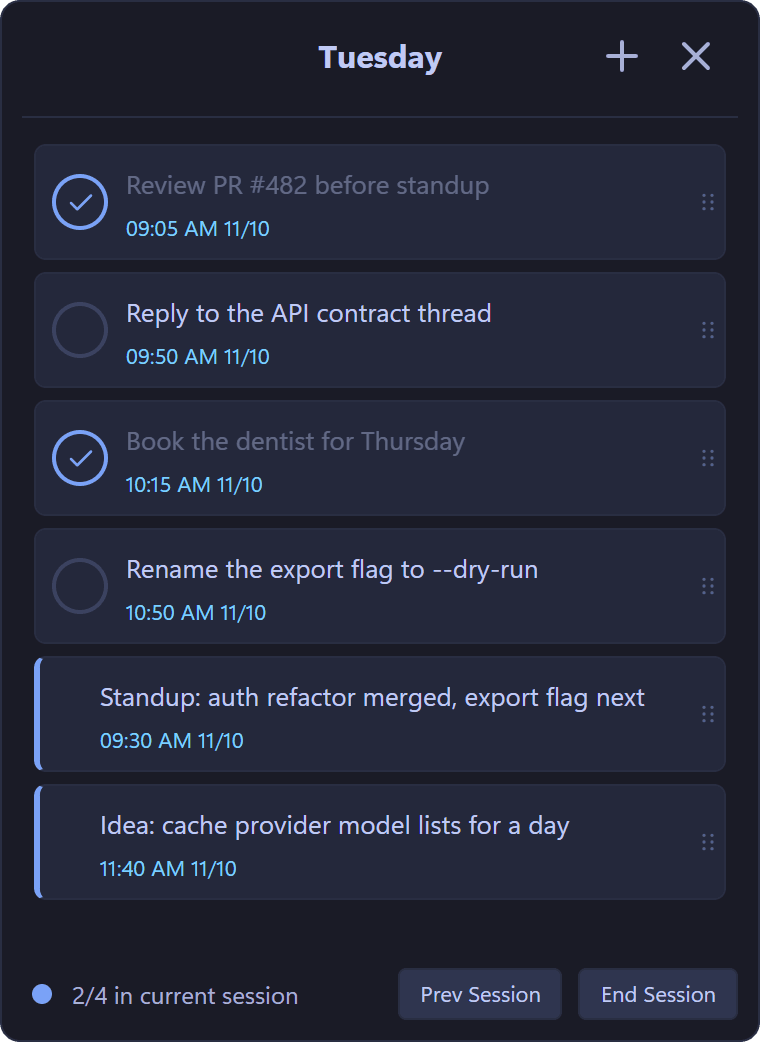
Tokyo Night 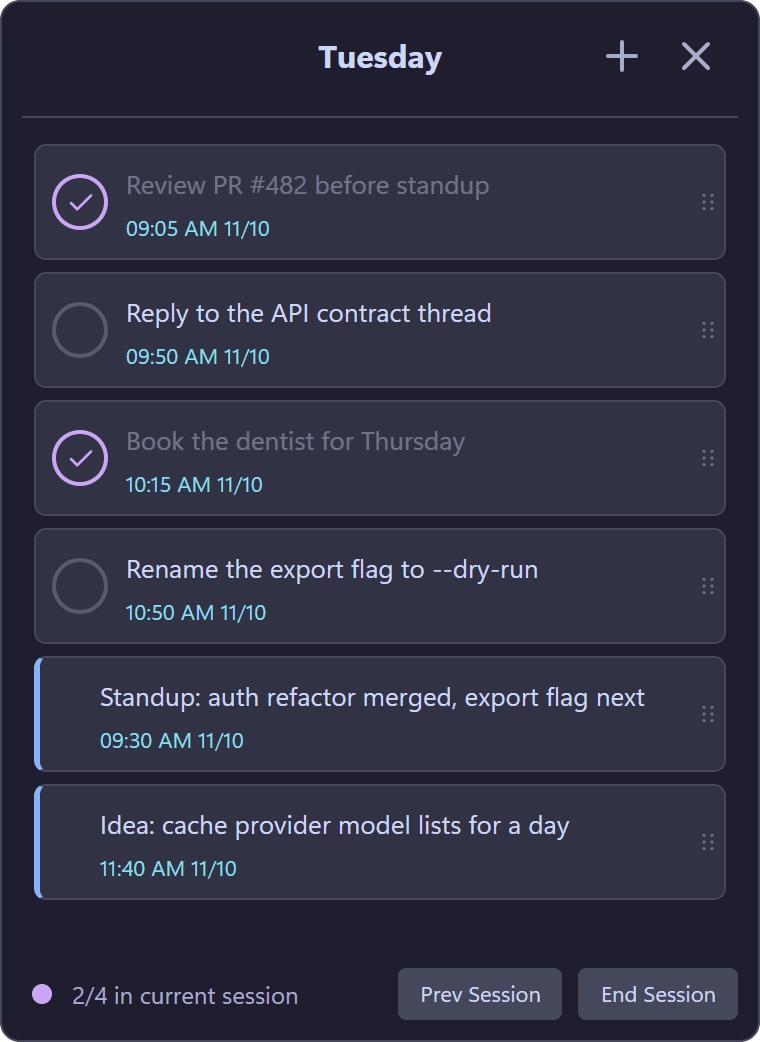
Catppuccin Mocha 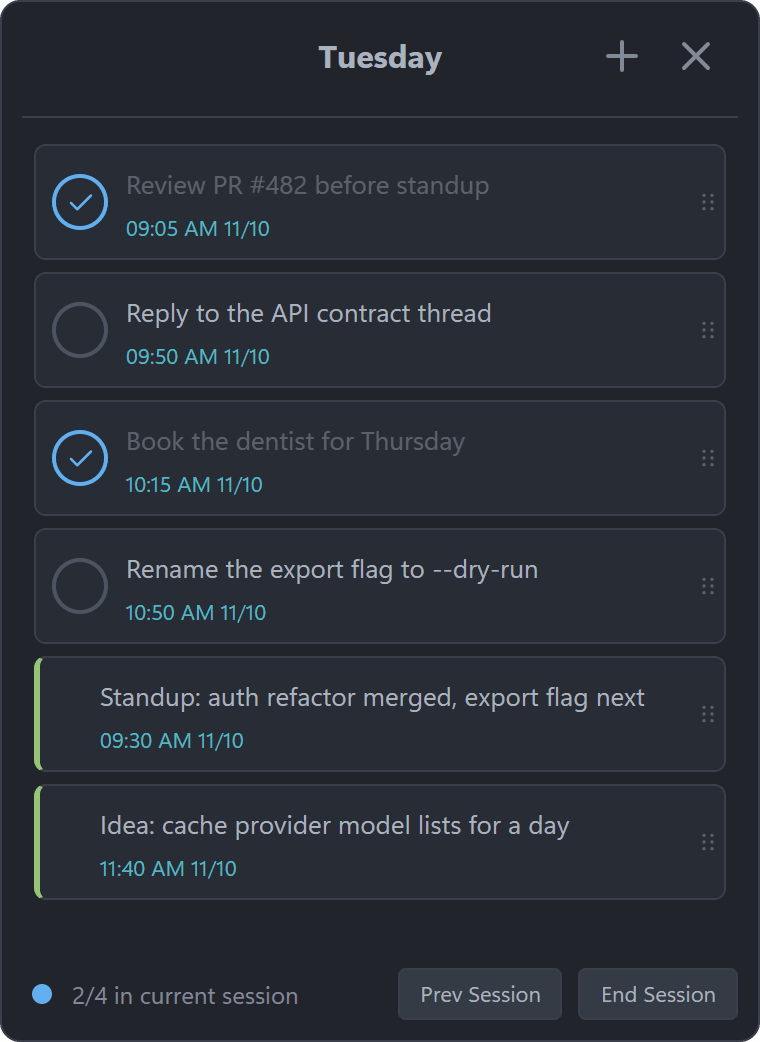
One Dark 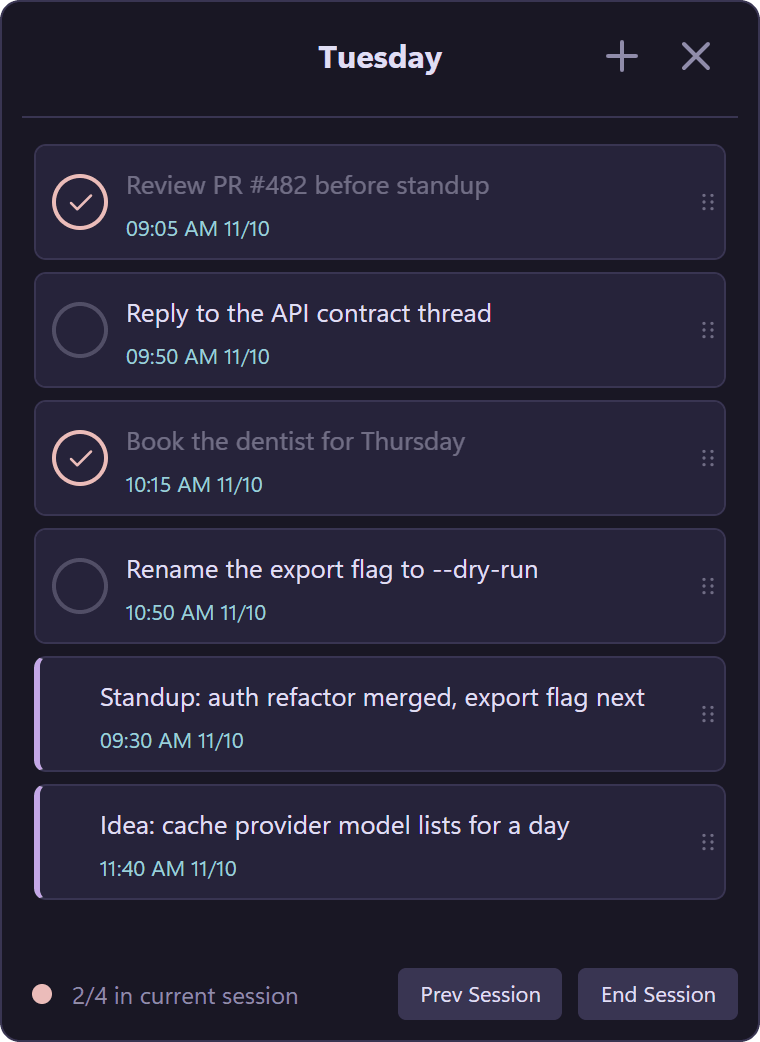
Rosé Pine 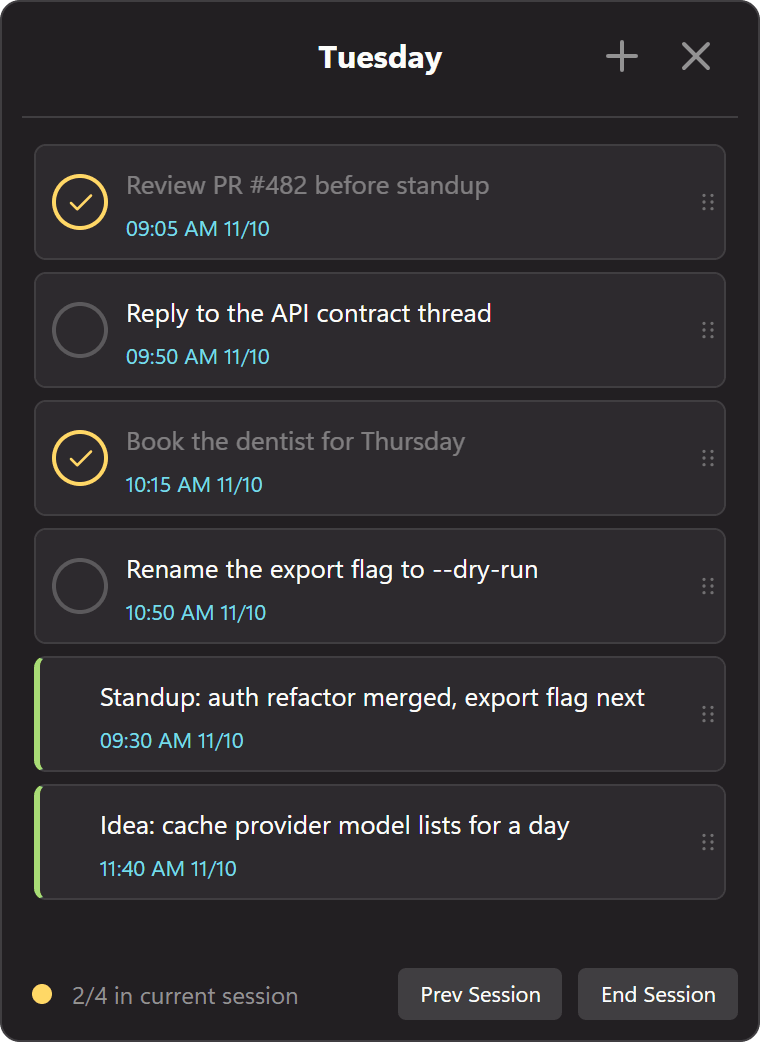
Monokai Pro 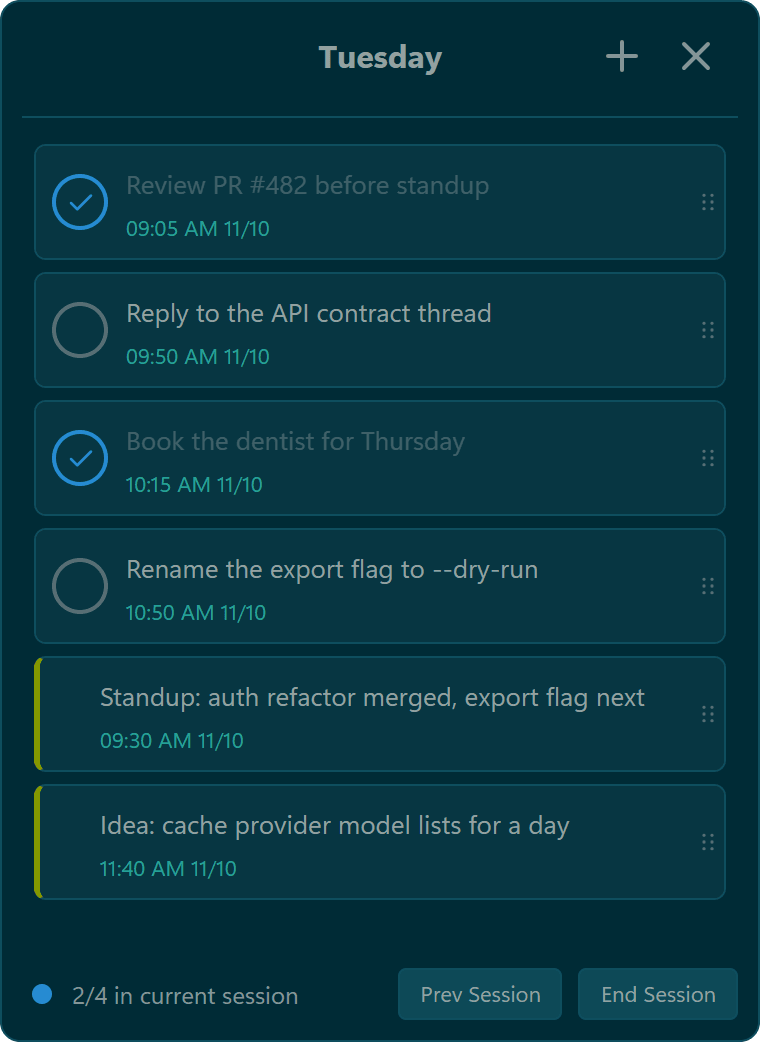
Solarized Dark 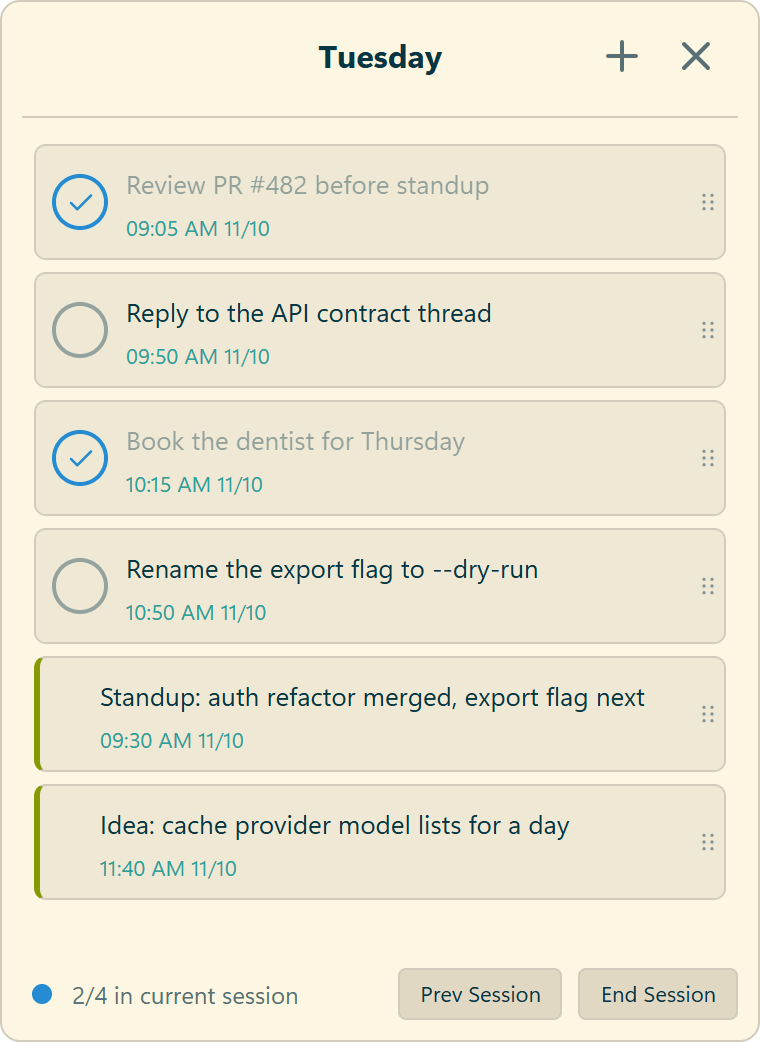
Solarized Light 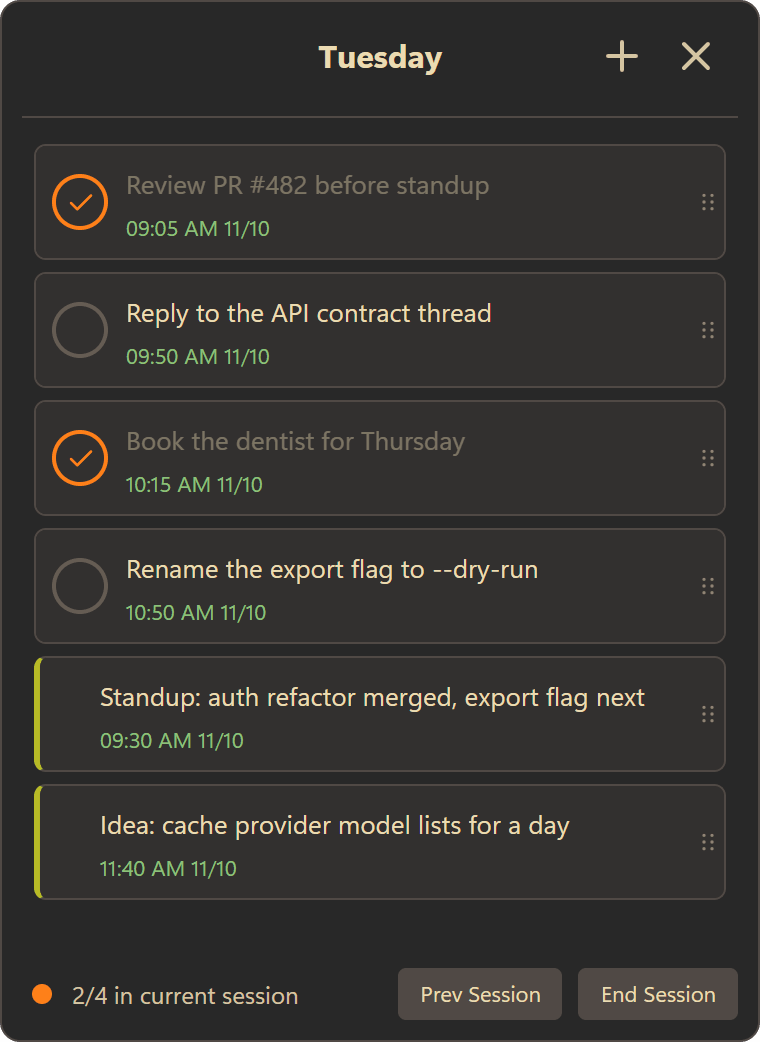
Gruvbox Dark 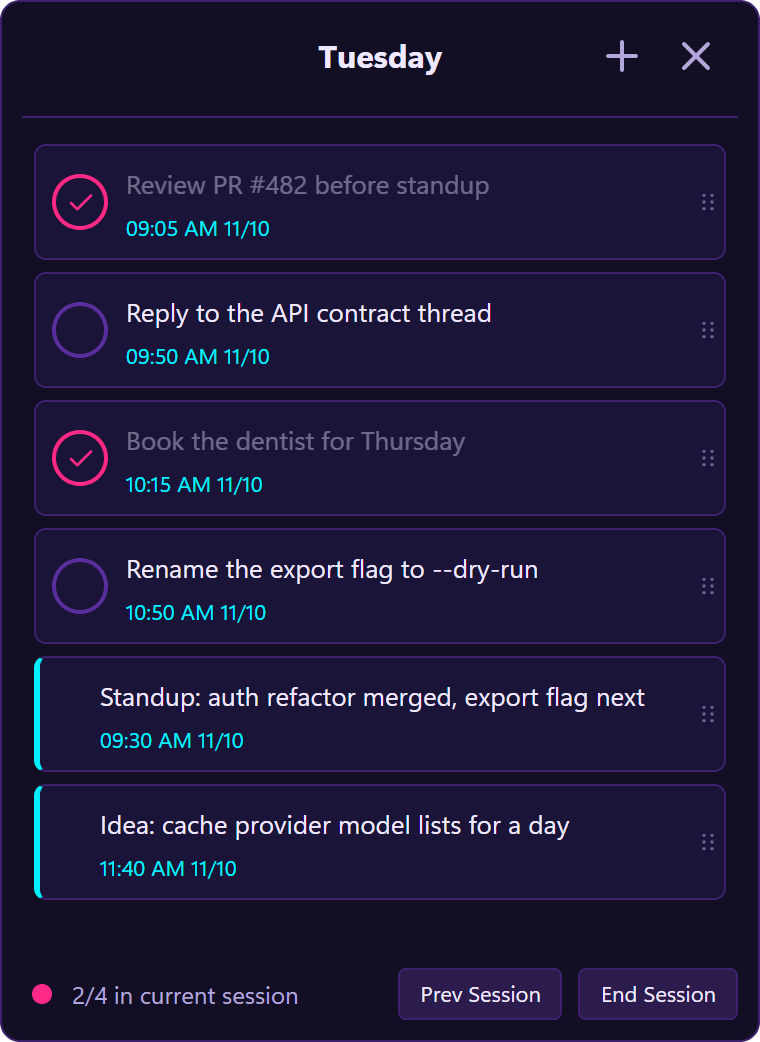
Cyberpunk
Choose your preferred intelligence.
Plug in your preferred AI provider. Tendor connects directly with your own API keys for full control and privacy.
Upgrading adds your own endpoint and models.
- Anthropic
- OpenAI
- Groq
- xAI
- DeepSeek
- Mistral
- OpenRouter
Your notes never leave your machine.
Everything is stored as Markdown files on your local filesystem. No cloud, no accounts, no data harvesting. Complete ownership.
- Works offline
- For up to 30 days at a time.
- Moves with you
- One device, 3 transfers per 30 days.
- Refundable
- Within 14 days of your first purchase.
Tendor Free
$0
15 tasks and 10 notes per session, 20 AI queries a day.